Reading and citations
The three-pane wiki reader, source citations, and what a wiki page contains.
The three panes
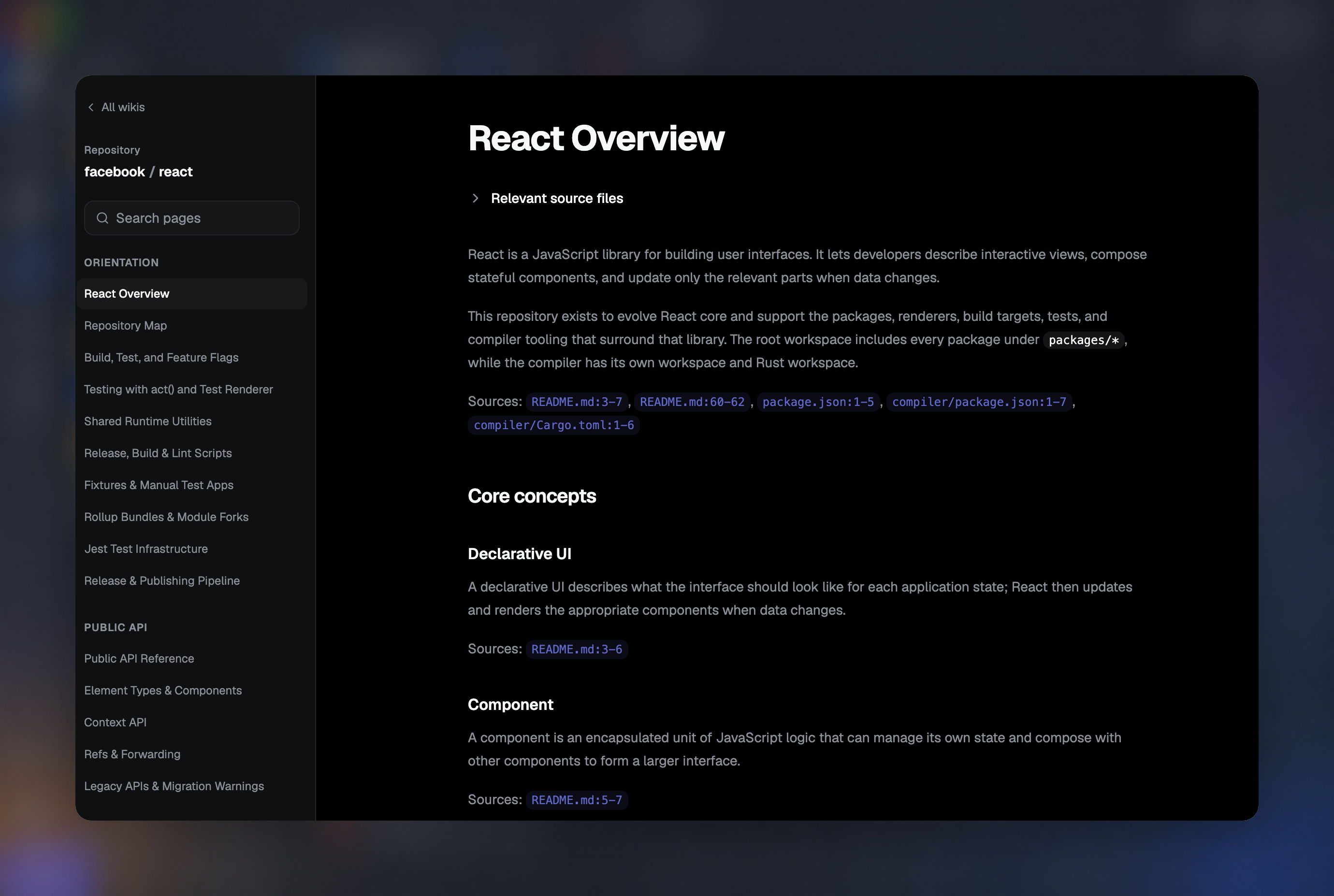
The wiki reader splits your screen into three working areas: page navigation on the left, the page content in the middle, and an on-this-page rail on the right with the page's outline and actions. On a wide monitor you read with one eye on the map and one on the ground.
Every claim cites its source
Wiki pages attach citations to statements about the codebase. Each citation points at the exact source file and line range, so a claim about a retry loop is one click from the code that supports it.
Diagrams where diagrams belong
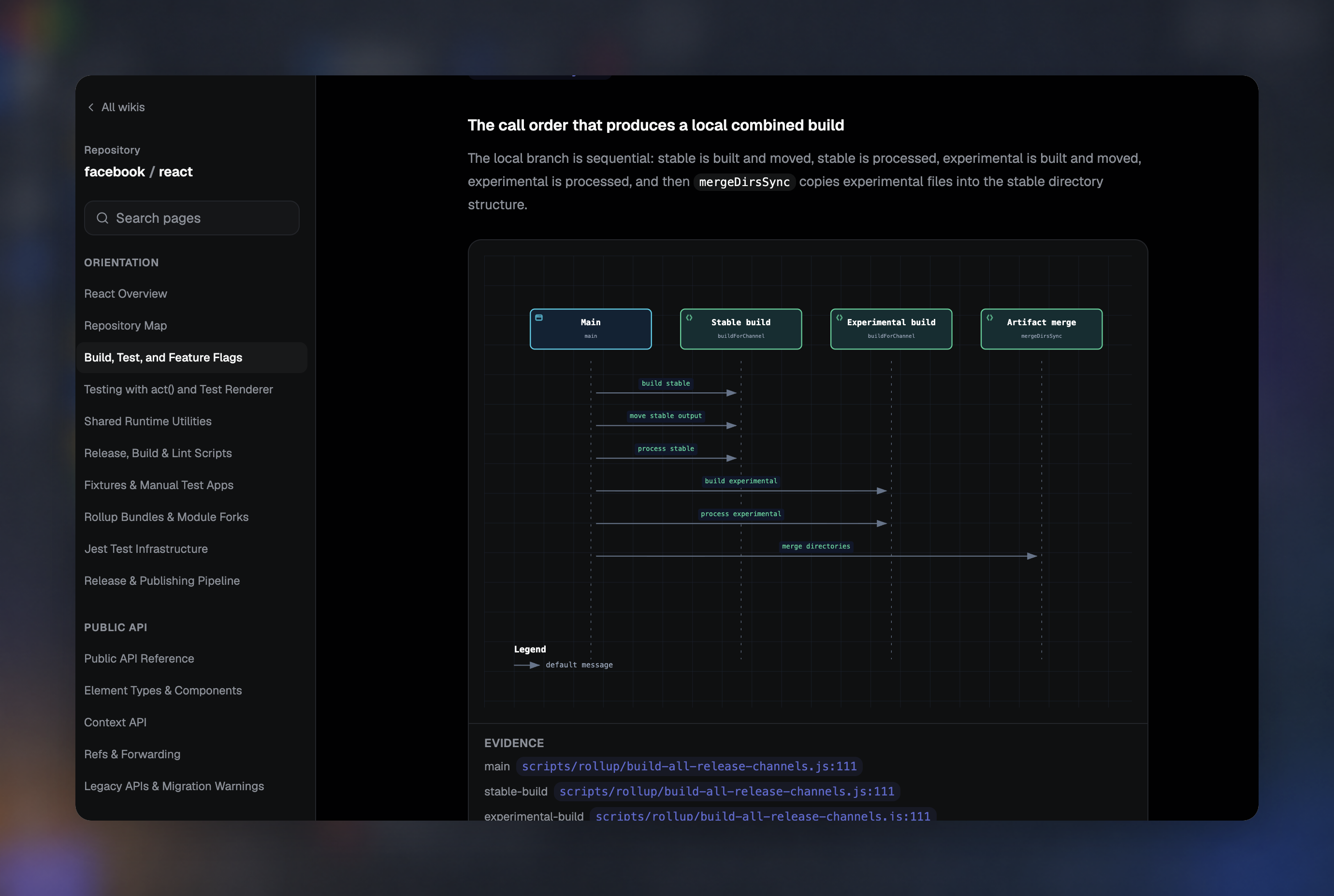
Wiki pages can include Mermaid diagrams — architecture overviews, state machines, data flow — rendered inline. A diagram is generated like any other page content, and cites the same sources.
On this page, and page actions
The right rail tracks where you are in the current page. It also carries the page's actions — including copying the page's markdown. When a wiki page is exactly what a teammate needs, you can hand them the content itself, not a link they need permissions to open.